


Customising your Backend appearance
Please note: This feature is only available for TYPO3 V13 onwards.
TYPO3 gives you the option to customise how the Backend looks through Color scheme and Theme options.
By default, your TYPO3 account will be set to:
- Colour scheme = Auto detect (typically showing as Light mode)
- Theme = Modern
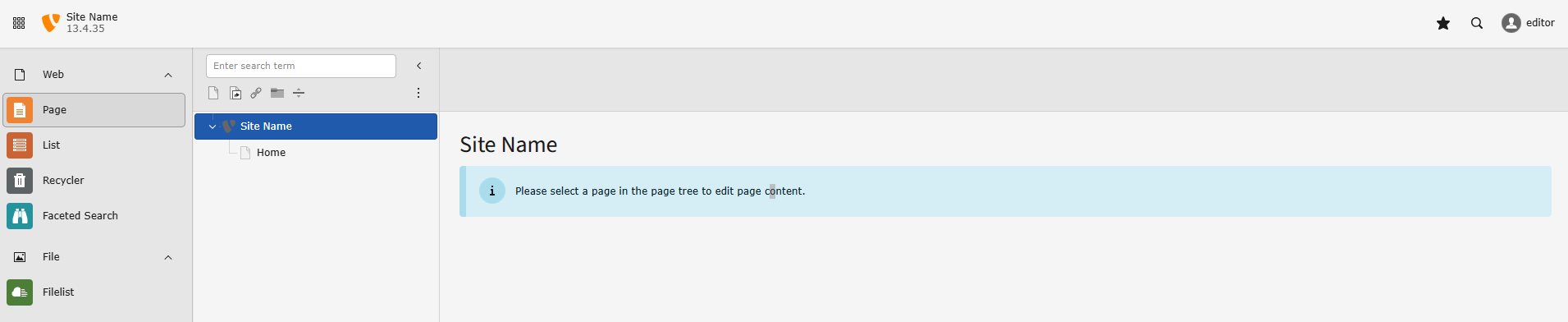
TYPO3 comes with 3 colour schemes and 2 theme options.
Colour scheme:
- Auto detect
- Light mode
- Dark mode
Theme:
- Modern
- Classic
Changing the Colour scheme
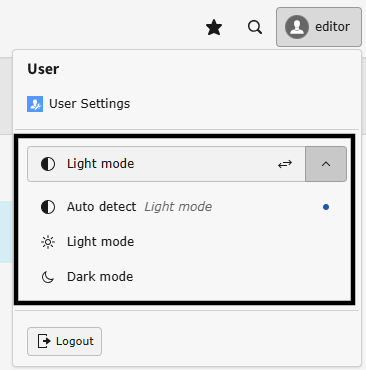
You can quickly change the Colour scheme by clicking on your name in the user bar. This is bar that runs along the top and your name is located on the right-hand side.

Using the dropdown, you can either toggle between modes or select one.
Changing the Theme
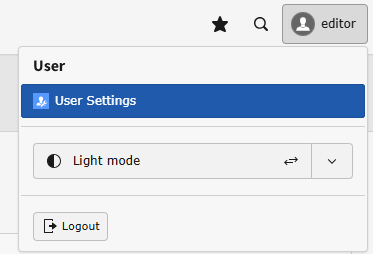
To change the Theme, click User Settings from the dropdown that appears when you click your name in the user bar.
Go to the Backend appearenace tab. Using the Theme dropdown, select a Theme.
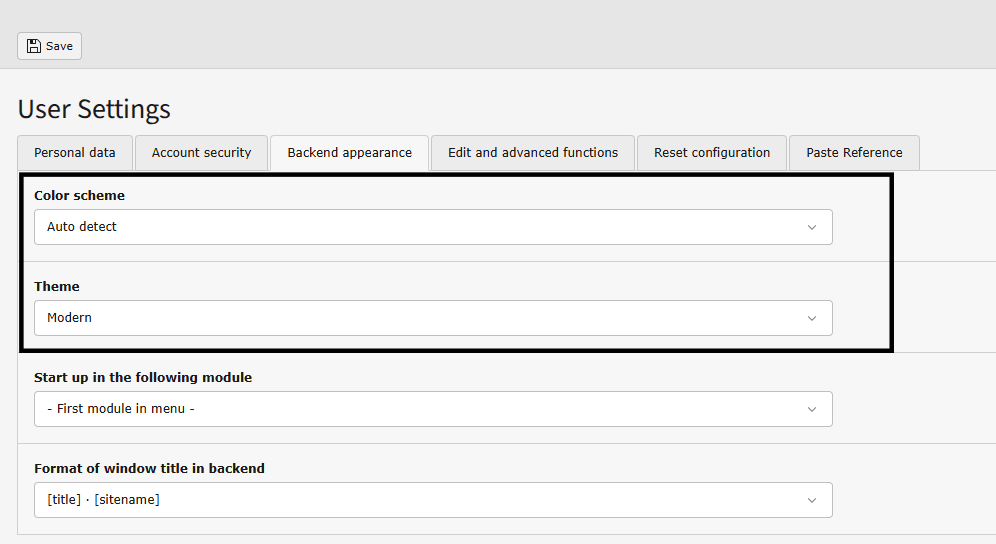
You can also change the Color scheme from here too.